 IMAGEnable
Natural retouching.
Right on your iPhone.
Skin stays skin. Photos stay on your phone.
Edit skin, makeup, hair and light on your iPhone. Try every feature for free, then buy once if you like it.
Skin
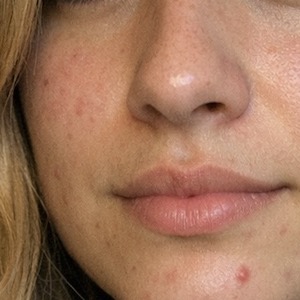
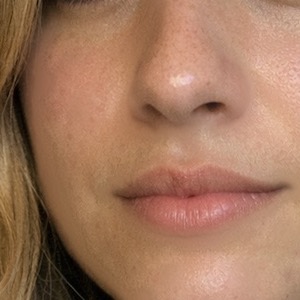
Spots go.
Pores stay.
Remove blemishes and redness without the wax look. Every slider only works where it should, and at zero it shows the exact original.
- Repair brush for spots, lint and crumbs
- Your original always stays in Photos

 BeforeAfter
Zoom 100%
Look closer.
Still real skin.
Most beauty apps blur the face until it looks like wax. IMAGEnable removes the spots and leaves the pores, fine hair and texture exactly where they were.
Makeup
Makeup,
as subtle as you like.
Pick a ready-made look like "Latte" with one tap, or do every part by hand with its own slider.

 BeforeAfter
Hair
Salon colors.
No salon.
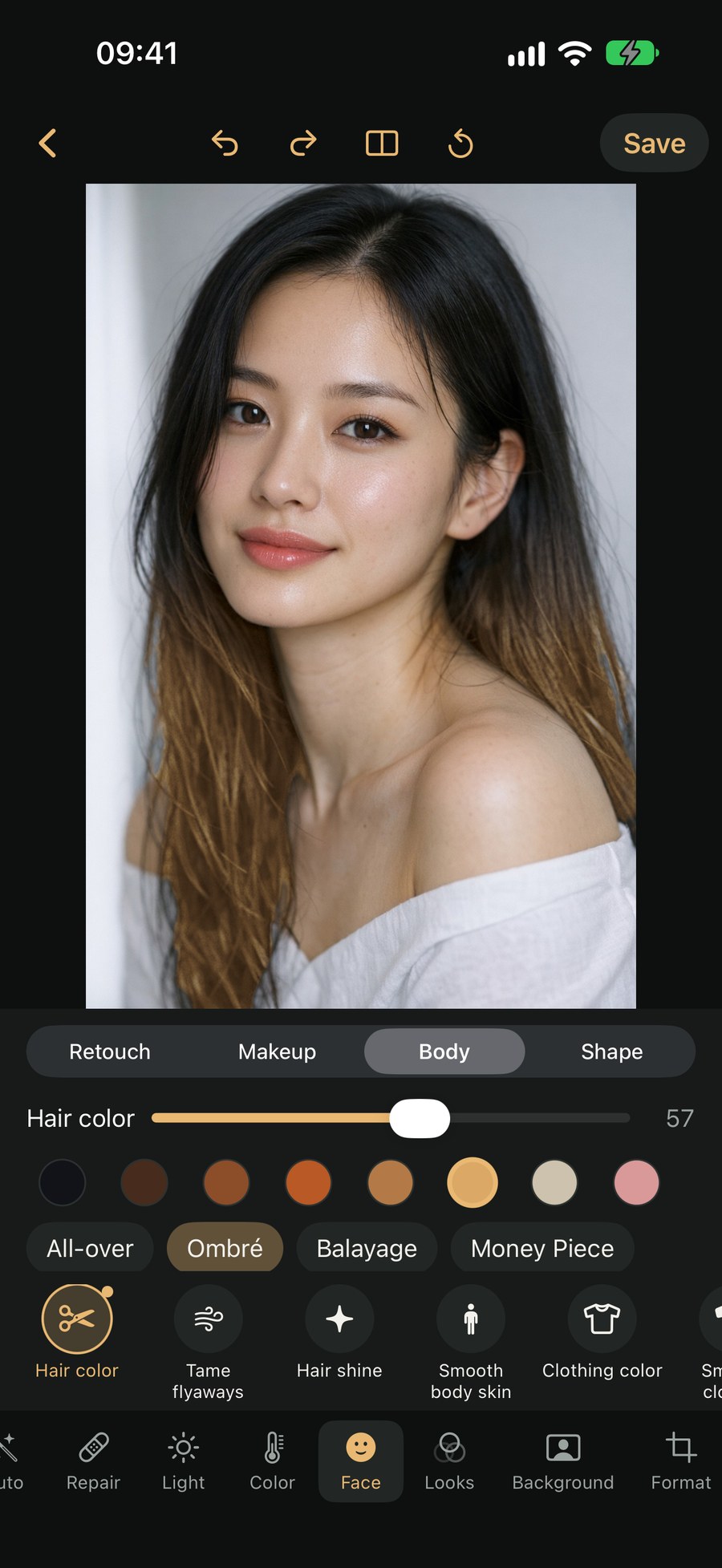
Natural shades, ombré, balayage or a money piece. Strands and shine stay. It works for clothing color and eye color too.
Group photos
Every person
on their own.
Tap a person and edit only them. Every setting stays with that person.

 BeforeAfter
One tap
One tap.
Or just type it.
"Enhance" sets light, skin and sharpness for the face. Or describe it in your own words, like "brighter, warmer, whiter teeth".
Just say what you want
Color
Color down
to the detail.
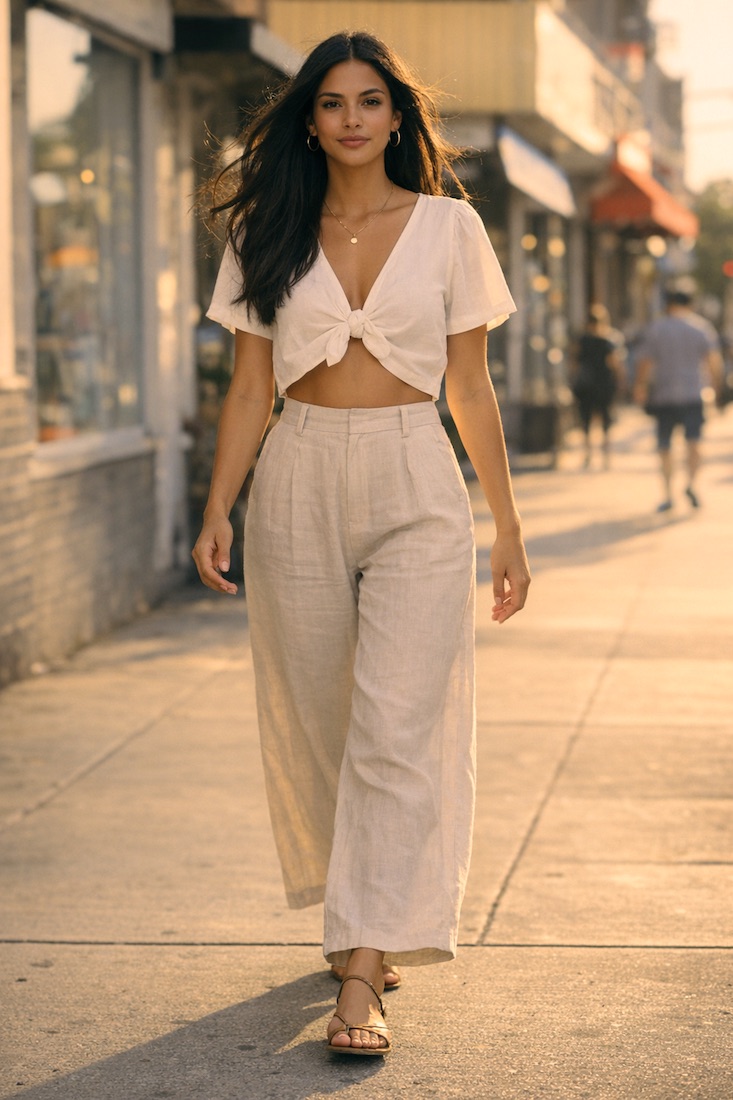
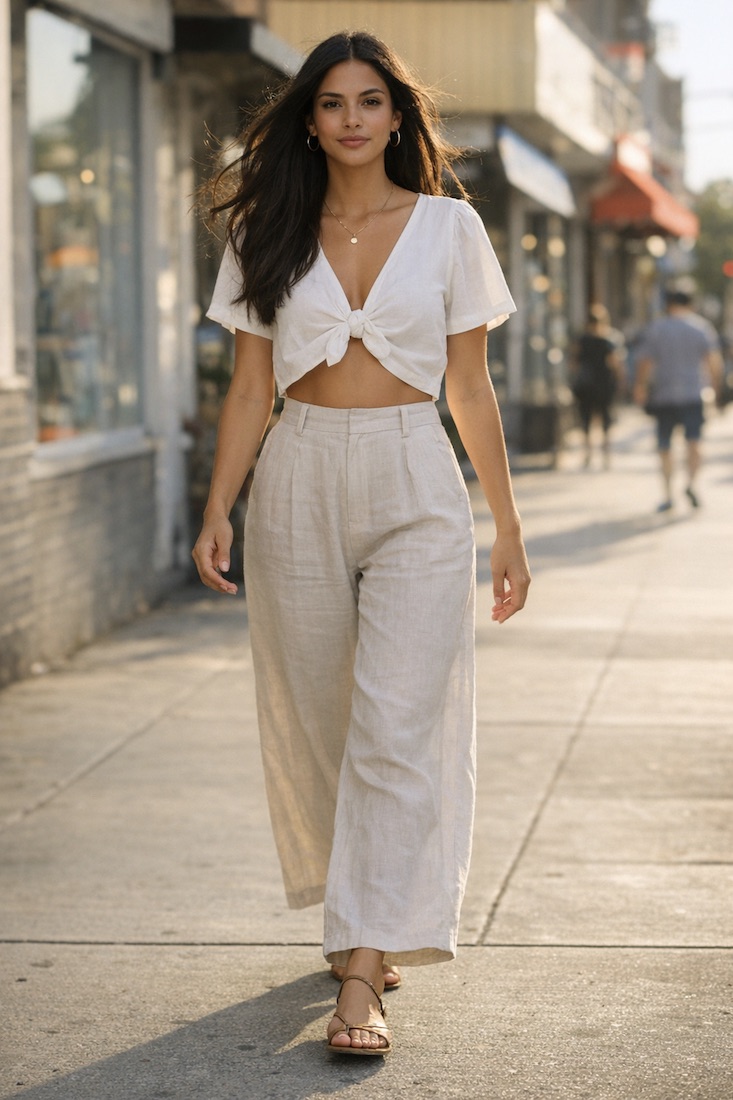
Temperature, tint, HSL and color wheels. Here: cool shadows, warm highlights, the "teal and orange" movie look.
 BeforeAfter
Looks
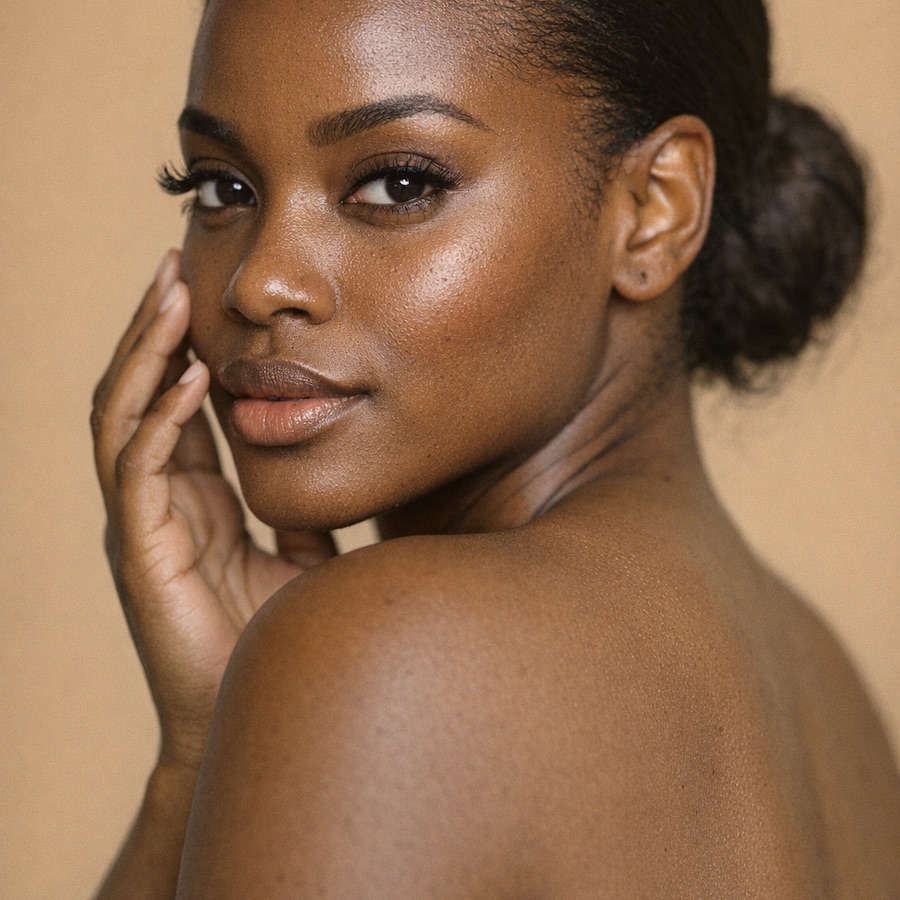
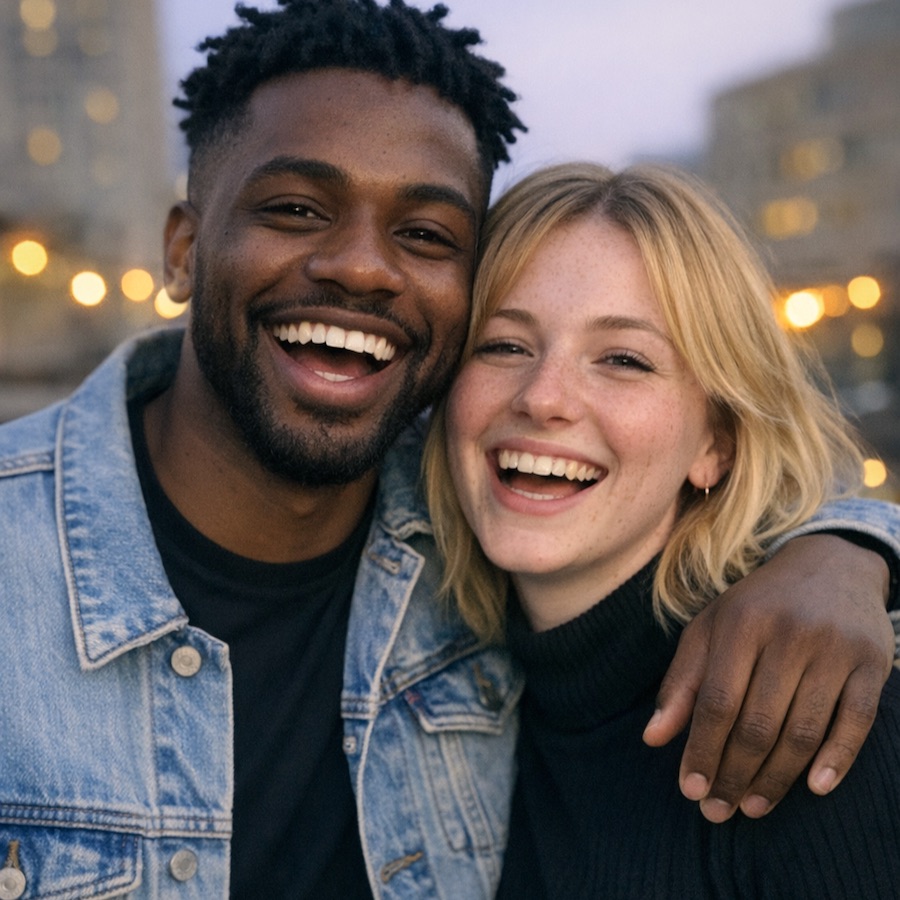
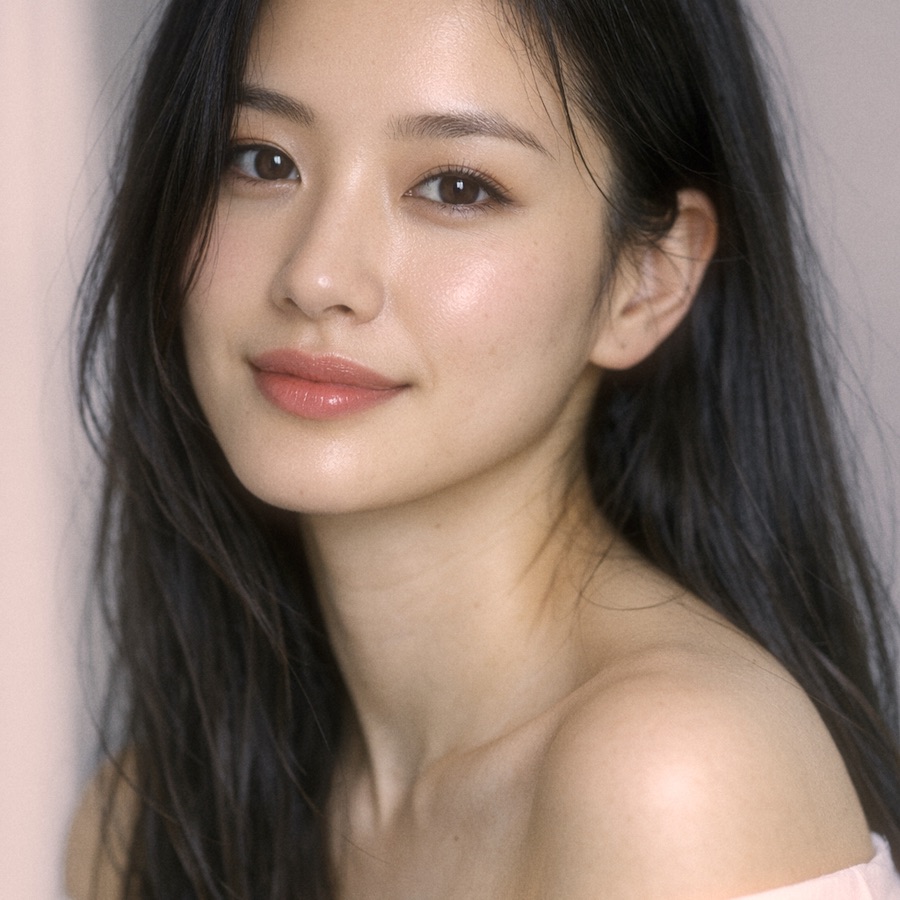
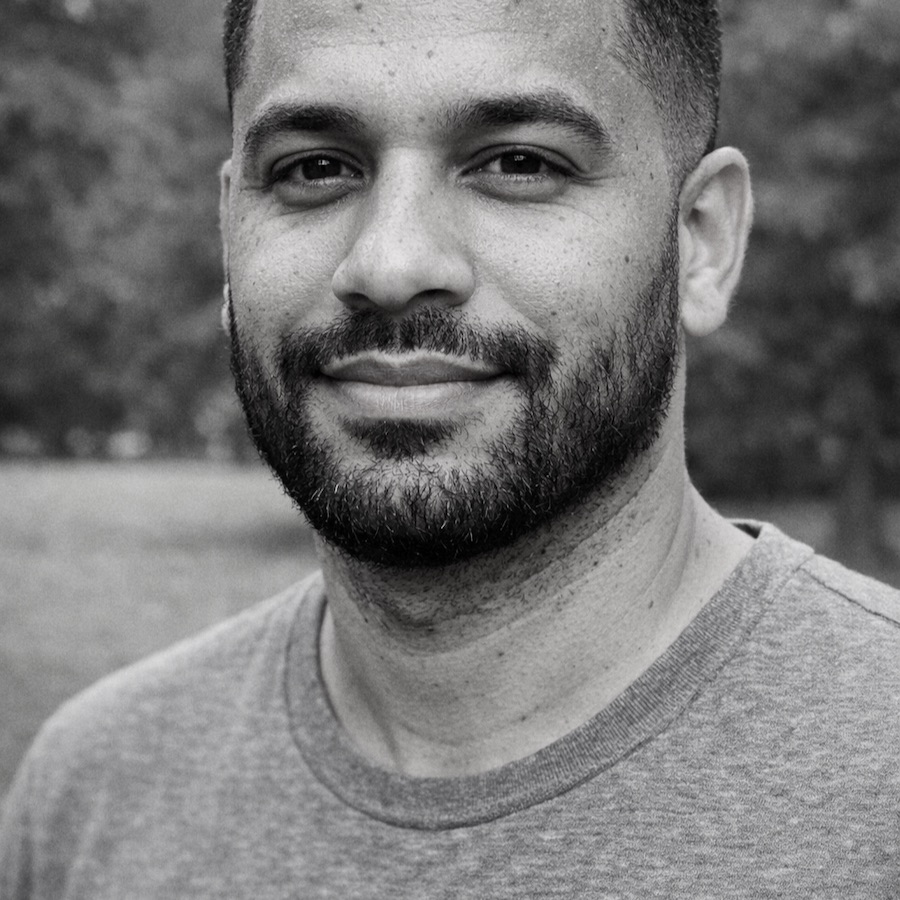
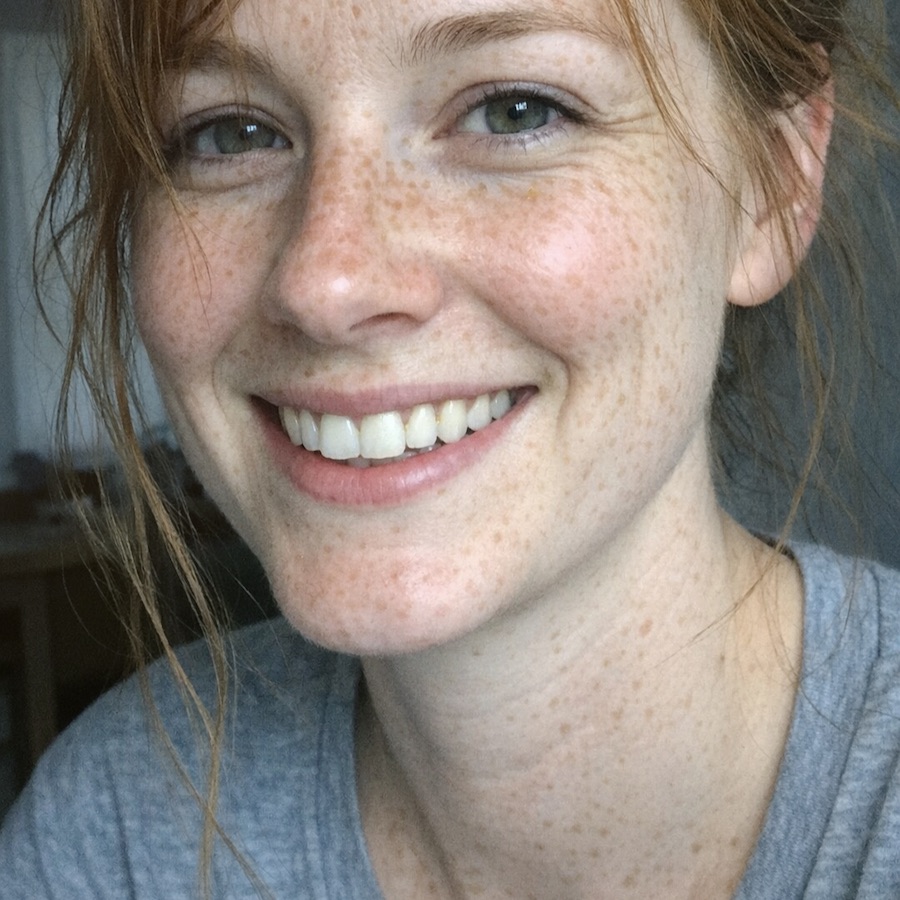
100+ looks.
Every skin tone.
One tap, then set the strength on a slider. All packs are included, future ones too, even in the free trial.
- Film and studio effects, from instant film to halation
- Import your own presets and LUTs
For creators
A whole shoot.
One look.
Batch edit up to 20 photos and IMAGEnable matches light, white balance and skin tone, so your carousel looks like one shoot.
One consistent look for a whole shoot. Light, white balance and skin tone are matched.
Feed, story and square, with a carousel splitter and a feed preview.
Before and after as an image or a short wipe video, with your signature.
Pricing
Try everything.
Pay once.
No subscription, no ads, no Pro tiers. You only pay if you want to edit more than 5 of your own photos.
Free trial
Every feature
- Every tool and every look
- 9 built-in sample photos, unlimited
- 5 of your own photos to edit and save
- No watermark, no account
Full version
One fair price, once
- Unlimited own photos
- Batches, collages and "My style"
- No further in-app purchases
- All your iPhones, same Apple ID
Everything else
And everything
else you need.
Light, color, shape, background and more. Every slider is stepless, and every look and effect has its own strength.
The story
Built for
my daughter.
Every app my daughter tried either made her look like someone else, wanted a subscription, or uploaded her photos to a server. I've been a software developer for over 25 years, so I built her an app that keeps her looking like herself, and keeps her photos on her phone.
Real photo
A real photo.
Not a sample.
This is Divna, and she edited this photo herself, in IMAGEnable on her iPhone: a few blemishes removed, eyes a little brighter and bluer, subtle makeup and slightly longer lashes, then one look over the whole picture for that warm autumn mood. Her skin is still her skin.

 BeforeAfter